Step-by-step video tutorials and expert guides to help you unlock the full potential of Director’s Suite PRO. From crafting your first storyboard to engineering complex camera movements, get set-ready in minutes.
The Command Center: Platform Overview
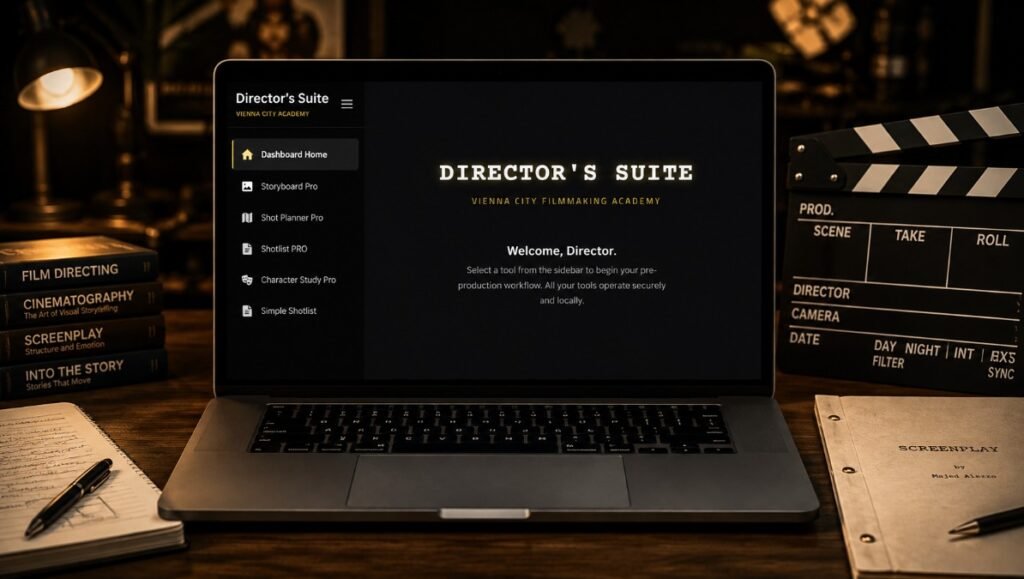
Discover how to navigate your new pre-production ecosystem. This quick tour walks you through the main dashboard, seamlessly switching between your 5 core tools, and managing your account settings without ever losing your creative focus.
STORYBOARD PRO
Initialize Your Vision
Launch your visual narrative in a clean, distraction-free environment built for filmmakers.
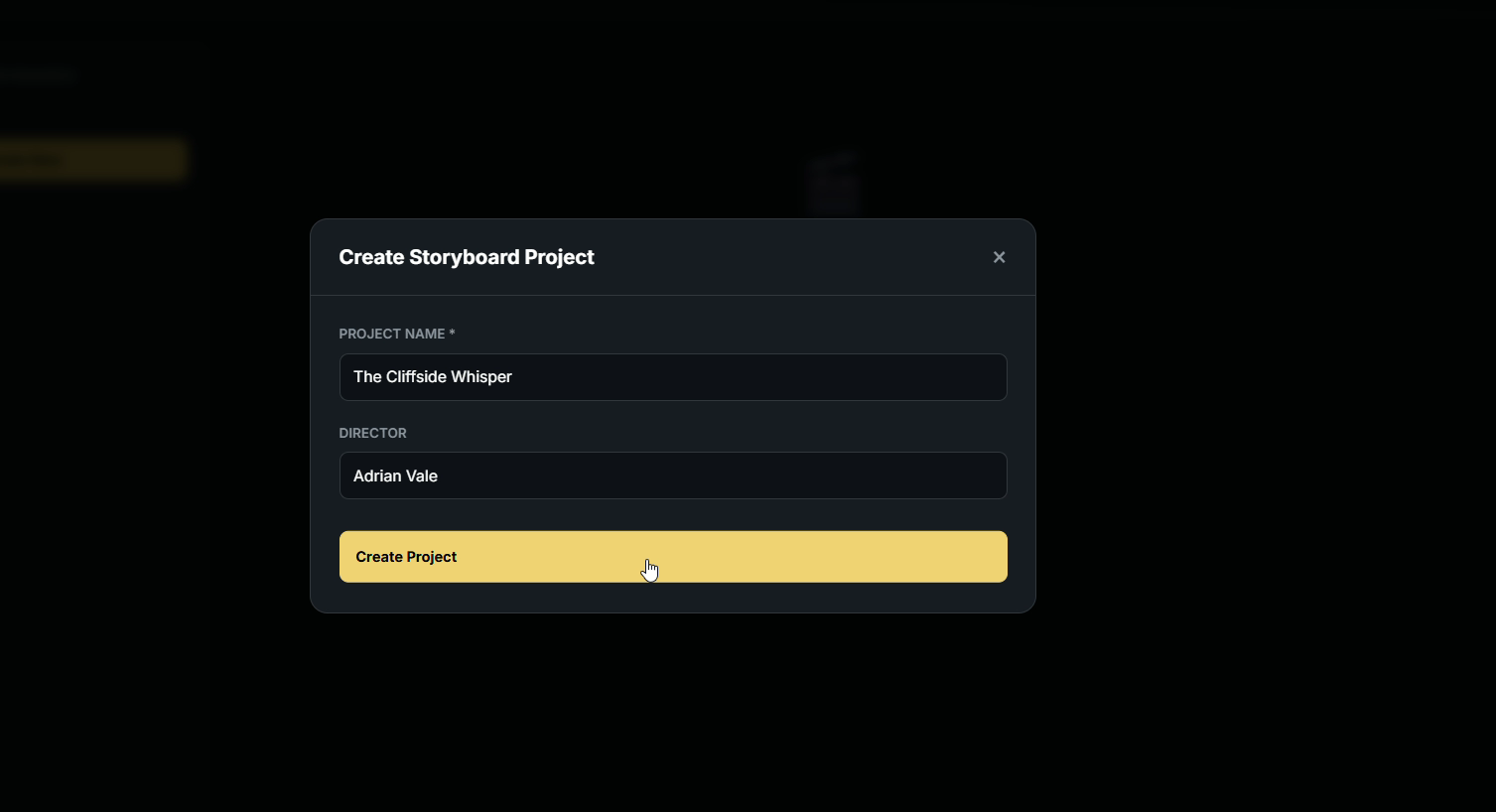
Create Your Project: Simply enter your project title and the director’s name.
Stay Focused: Instantly generate a dedicated workspace designed exclusively for visual storytelling, free from unnecessary clutter.
Upload & Detail Every Frame
Bring your script to life, shot by shot, with precise technical and visual details.
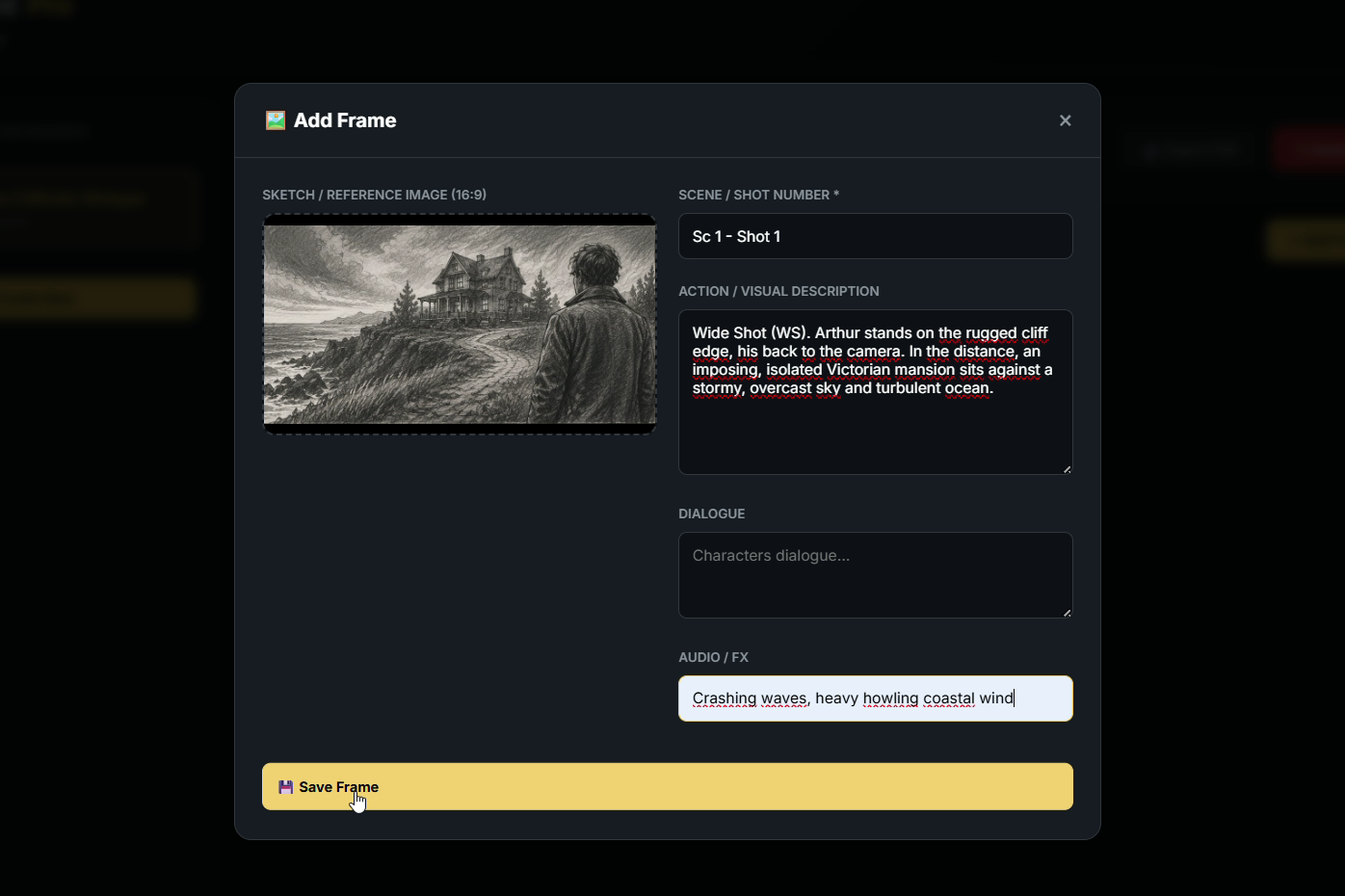
Import Visual Assets: Upload your traditional hand-drawn sketches, reference photos, or seamlessly integrate your pre-generated AI concept art. (Pro Tip: Keep image files under 500 KB for lightning-fast cloud syncing).
Technical Breakdown: Lock in your Scene and Shot numbers.
Add Context: Fill in the Action descriptions, Character Dialogue, and Audio/FX cues to give your crew the full picture.
Sequence Your Narrative
Get a cinematic, birds-eye view of your entire film’s visual flow.
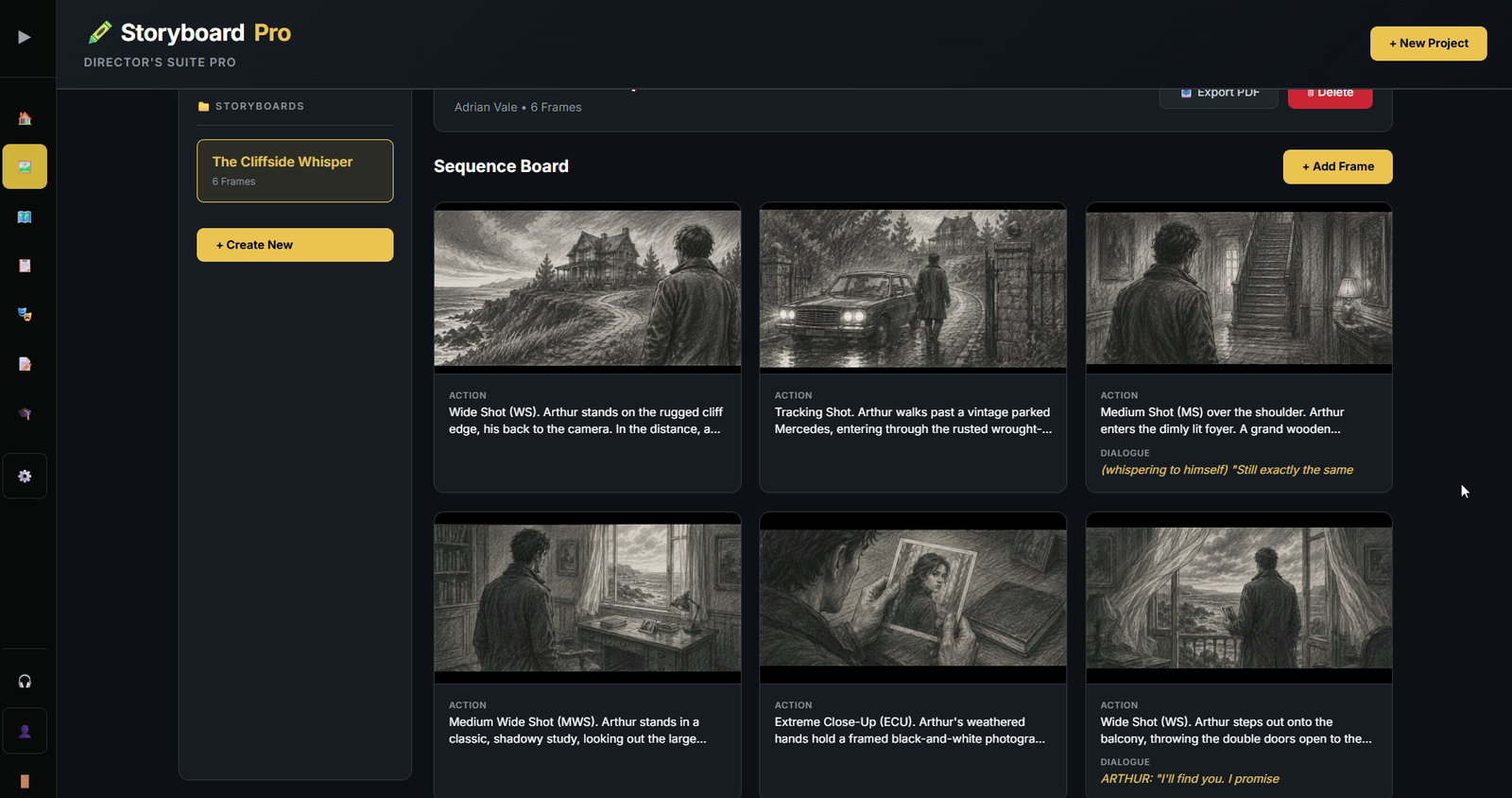
The Sequence Board: Review your fully mapped-out storyboards in a beautifully organized, easy-to-read grid.
Instant Edits: Spot a missing detail? Click on any existing frame to instantly open it, update the text, or change the image before moving forward.
Export Industry-Standard Boards
Deliver a crystal-clear, professional blueprint to your DOP and production team.
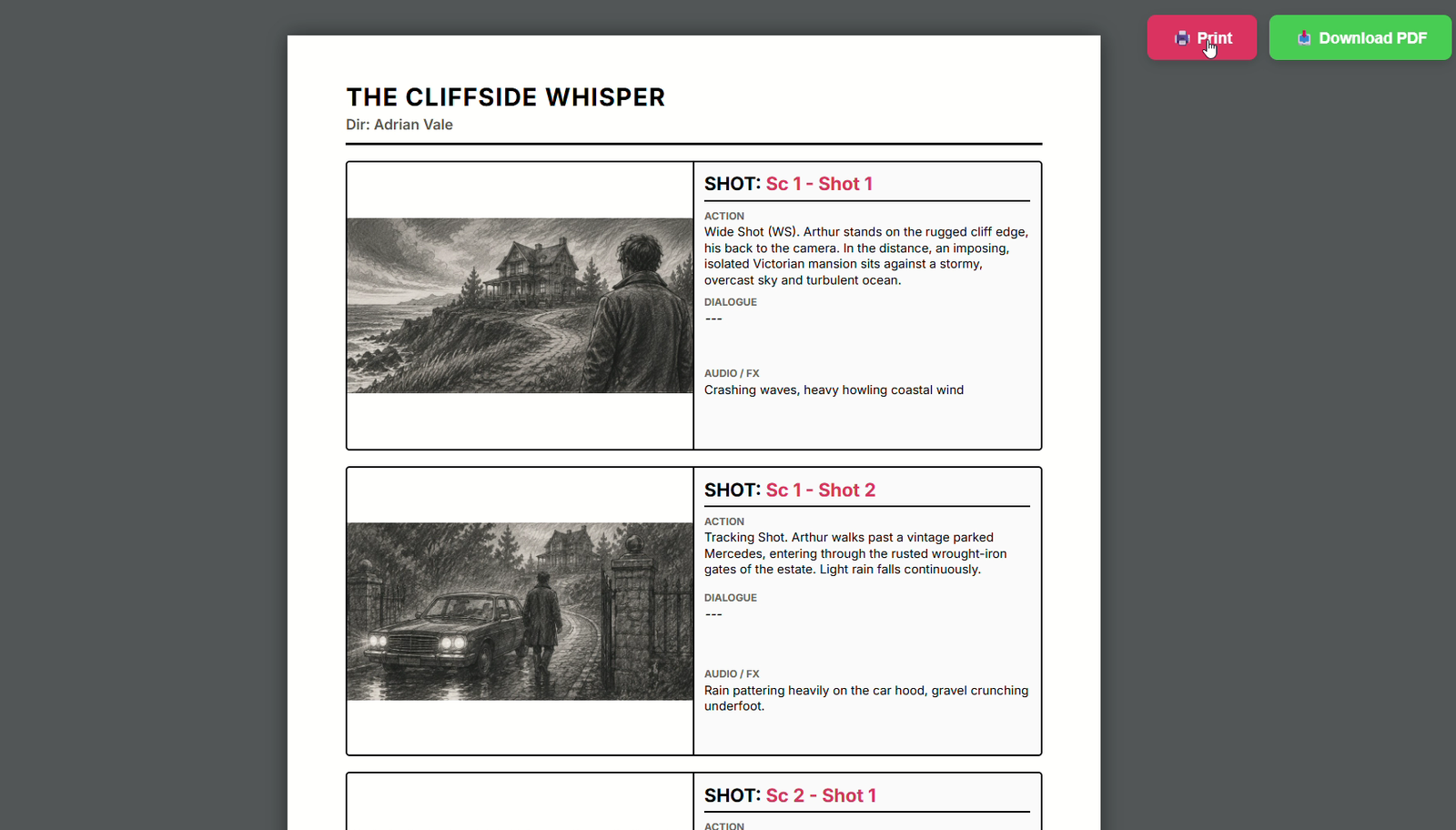
Pro-Tip for Highest Quality: When you are ready to export, click the 🖨️ Print button (rather than the standard download). This guarantees the absolute highest image resolution and perfect scaling for your art.
Shoot-Ready: Generate a classic Hollywood-standard 3-panel storyboard document that keeps your entire set aligned.
SHOT PLANNER PRO
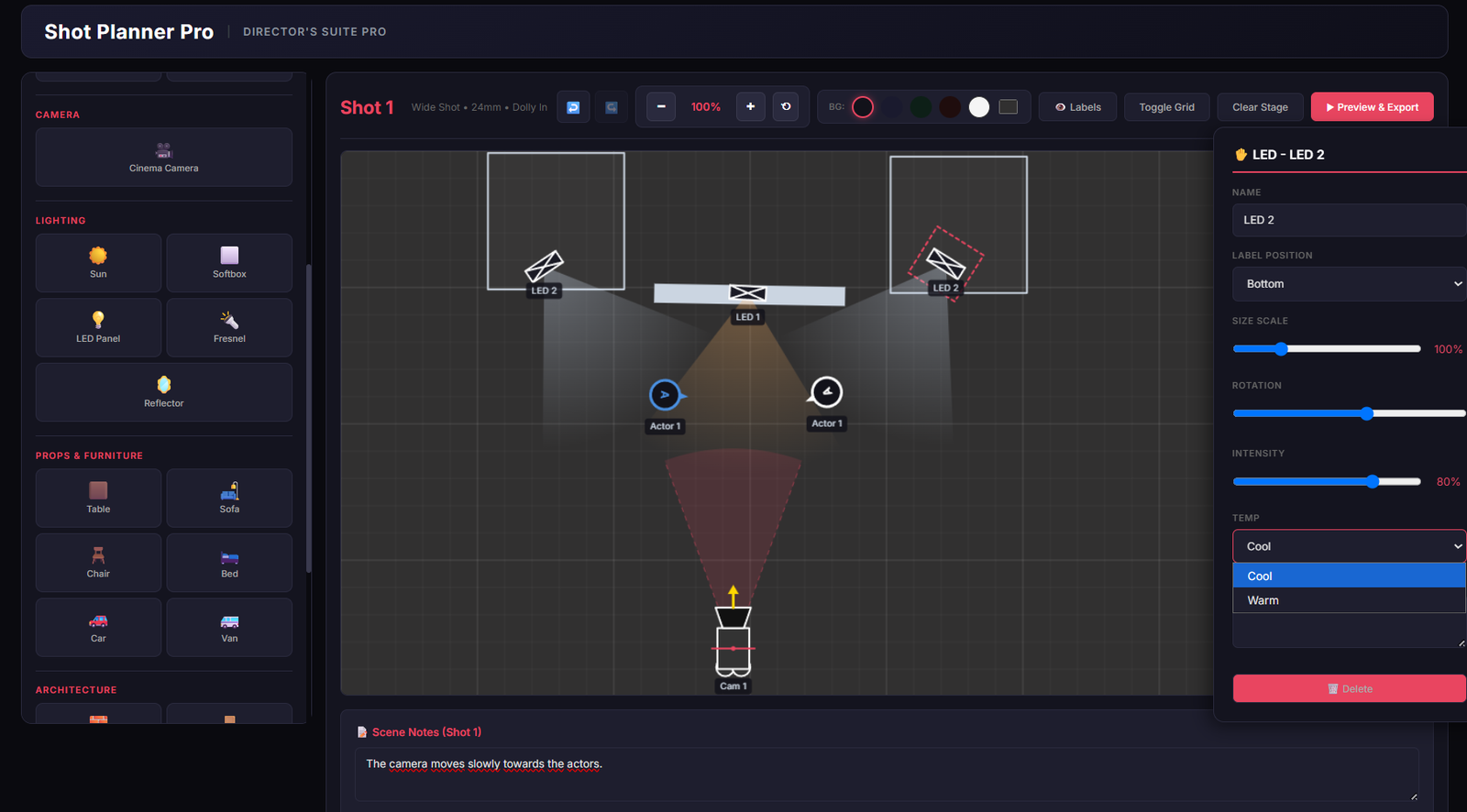
Build the Set & Frame Your Shot
Forget messy paper sketches. Build your entire scene in seconds using our drag-and-drop library.
Place Elements: Drop actors, props, and architecture onto your canvas.
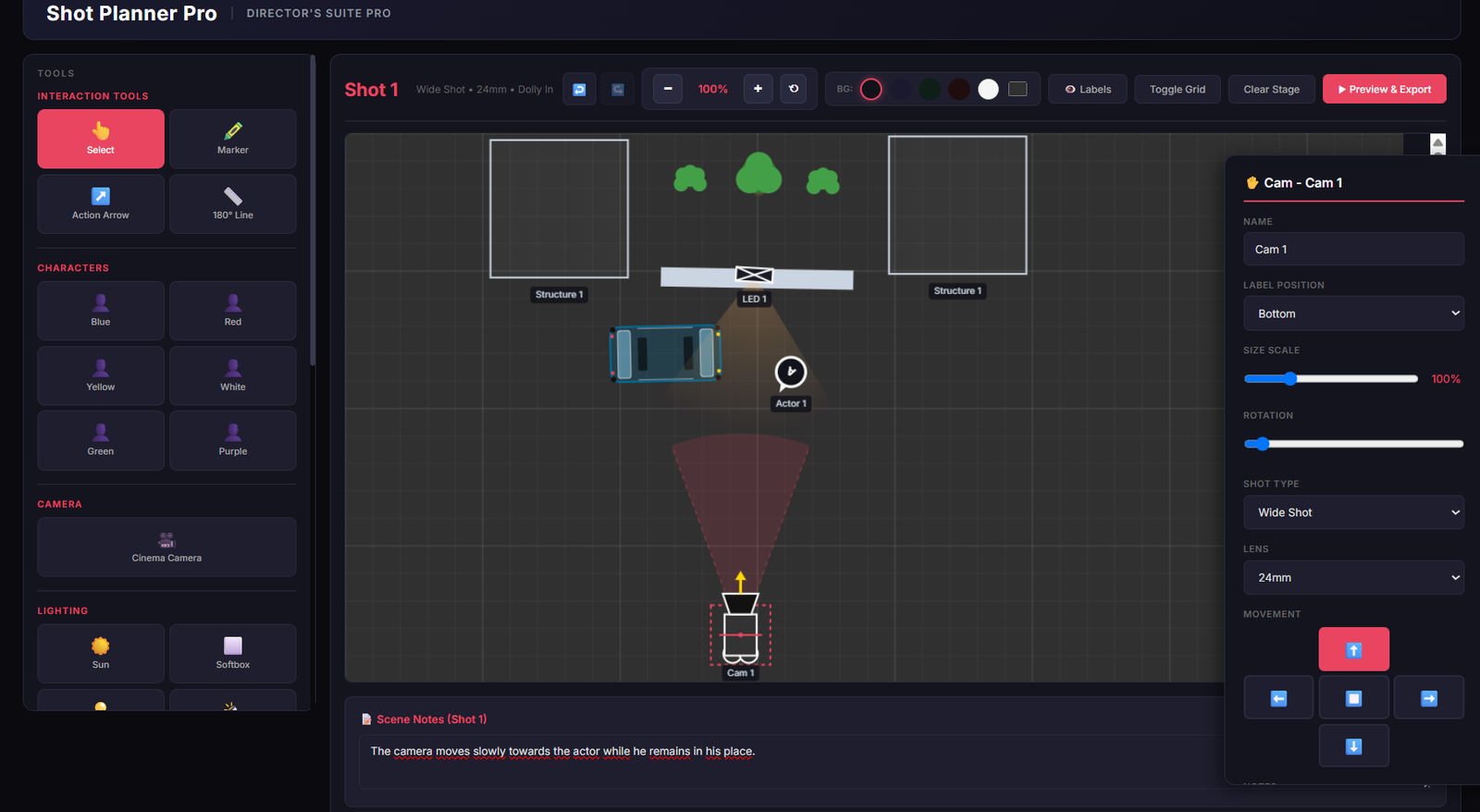
Setup the Camera: Add a Cinema Camera, click it to open the Properties Panel, and select your exact Shot Type and Focal Length (Lens).
Add Context: Write your specific scene descriptions and blocking notes directly in the properties.
Master the Axis & Choreograph Action
Maintain perfect spatial continuity for your editor and direct action with absolute precision.
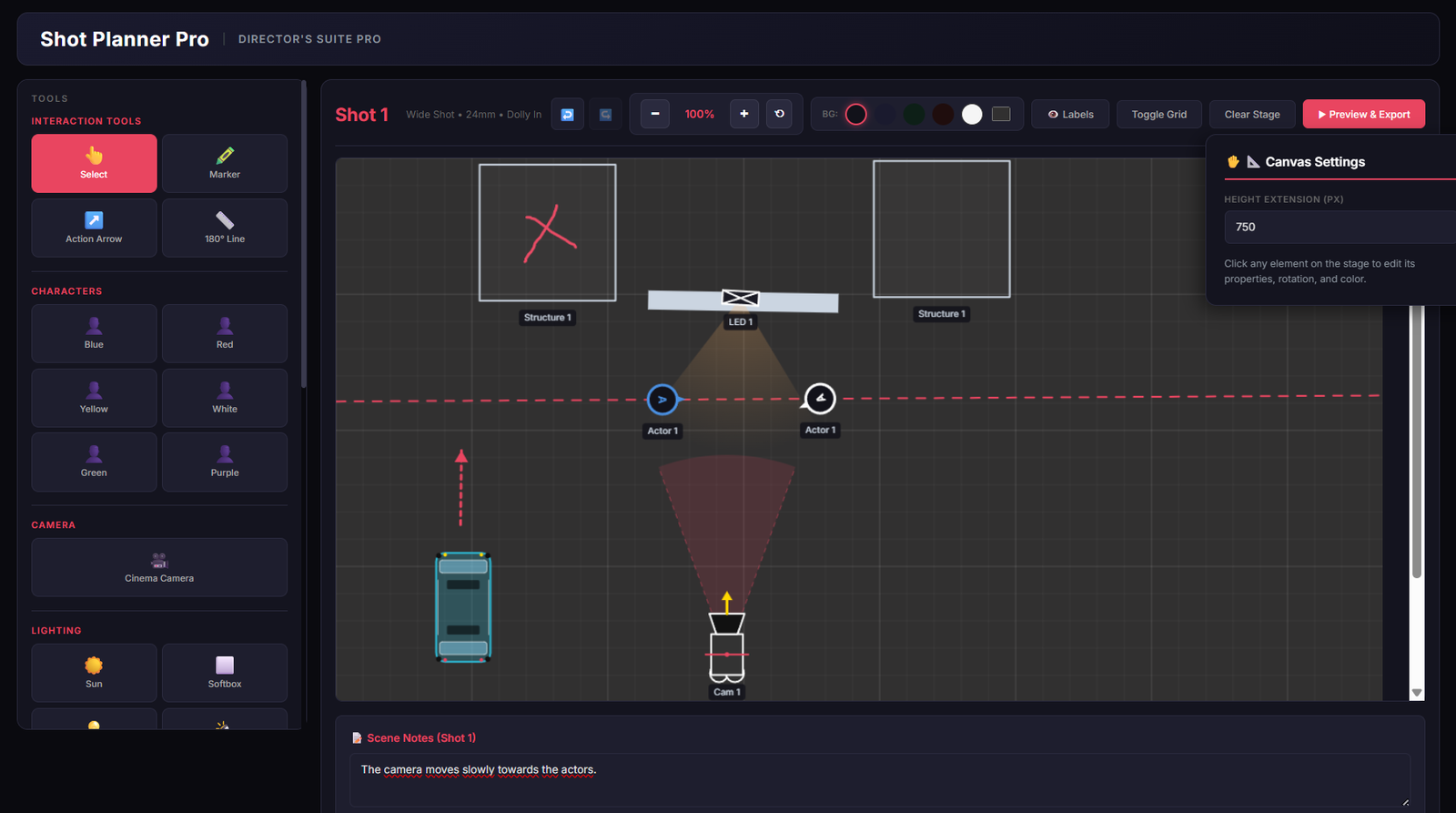
The 180° Line: Select the tool, click your first actor, then your second to instantly draw a safety axis. Need to reset? Hit the ✂️ Clear 180° button instantly.
Action Arrows & Marker: Map out actor paths or freehand draw specific notes. Wipe your sketches clean anytime with the 🧹 Clear Ink button.
Pro Tip: Always switch back to the „Select“ (👆) tool after drawing to continue moving and editing your elements!
Sculpt Your Lighting & Mood
Lighting is storytelling. Map out your cinematic lighting setup before you even step on set.
Choose Your Source: Drop a Sun, Softbox, Fresnel, or LED panel onto the grid.
Dial the Intensity: Use the properties slider to set the exact brightness level.
Set the Temperature: Toggle between Cool (Blue) and Warm (Orange) to establish the scene’s atmospheric mood.
Export Industry-Standard Blueprints
Ready for the shoot? Turn your digital planning into a tangible, professional asset.
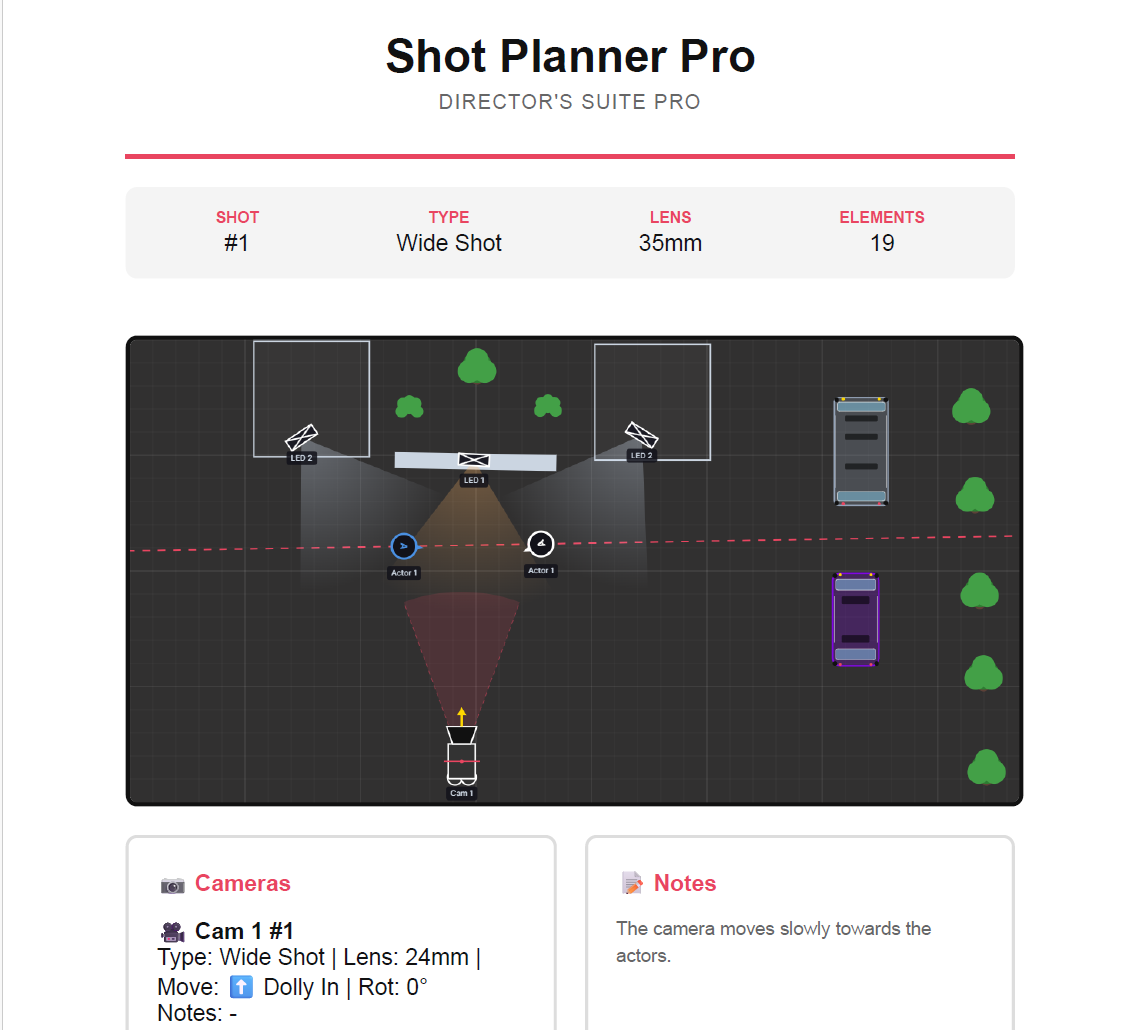
One-Click Export: Hit ‚Print Pro PDF Report‘ to generate a stunning, print-ready document.
Complete Metadata: Your final blueprint automatically compiles your camera settings, lenses, and scene notes.
The Result: Hand your DOP and crew a crystal-clear map of your exact vision.
Start Directing for Free
(No credit card required. Experience all 5 Pro Tools instantly.)